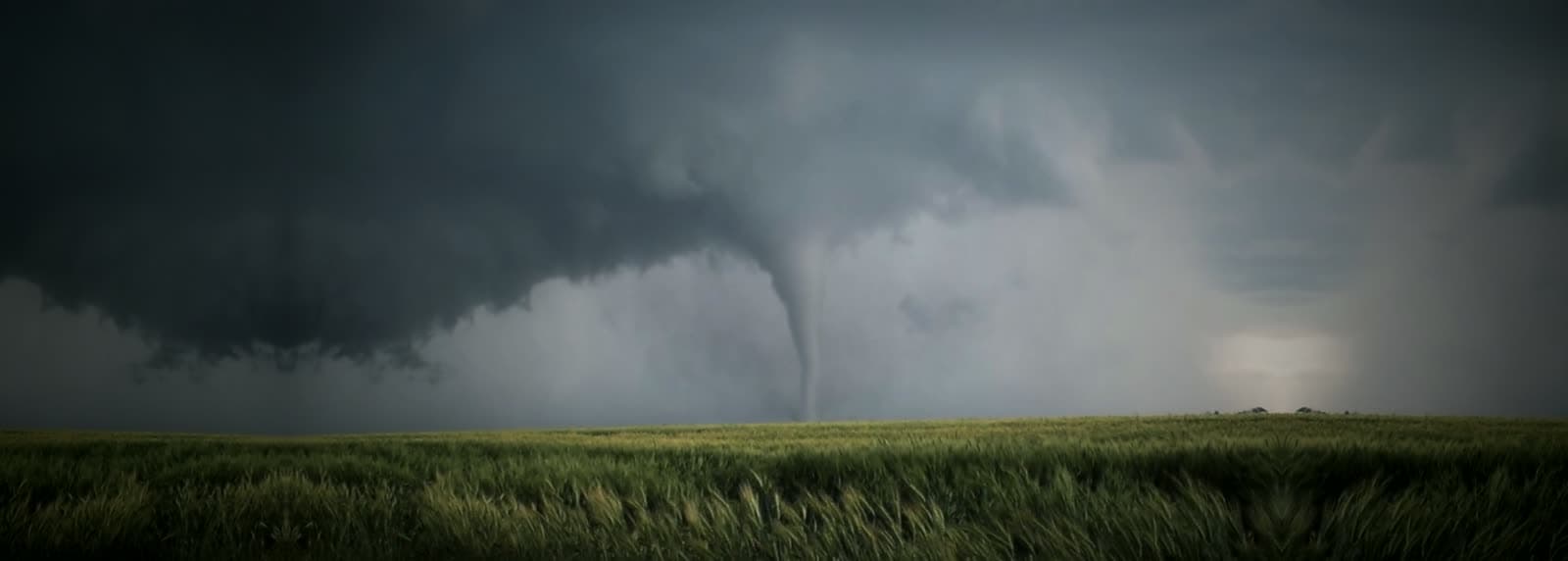
Storm Shelter Registry
After a tornado, debris can cover a shelter door. Register your shelter, and responders will know it is there and where to look. It is free, and only emergency responders can see it.
How it works
Step 1: Register online
Tell us your address, the type of shelter, and exactly where it sits on the property.Step 2: SPAG GIS verifies the location
Your shelter is checked and added to the map used by 911, fire, EMS, and law enforcement.Step 3: Responders can see it after a storm
Crews working your address can see that a shelter is registered and where to look, even if the building above it is gone.
Register your storm shelter
Give as much detail as you can, especially the shelter’s exact location on the property.
Already registered? To update or remove a registration, call (806) 762-8721 or contact SPAG GIS and mention your registration reference number.
Before you start, have ready
- The shelter’s address, including the city and ZIP.
- The type of shelter: in-ground, an above-ground safe room, a basement, built into a garage, or a shared shelter.
- A phone number where responders can reach you.
- How to find and open it, if that is not obvious: “buried 20 ft behind the garage”, a gate code, which way the door opens.
- At the shelter now? Your phone can capture its exact location with one tap. Coordinates help crews find a buried shelter when landmarks are gone.
Start registration
Takes about three minutes, and you don’t need an account.
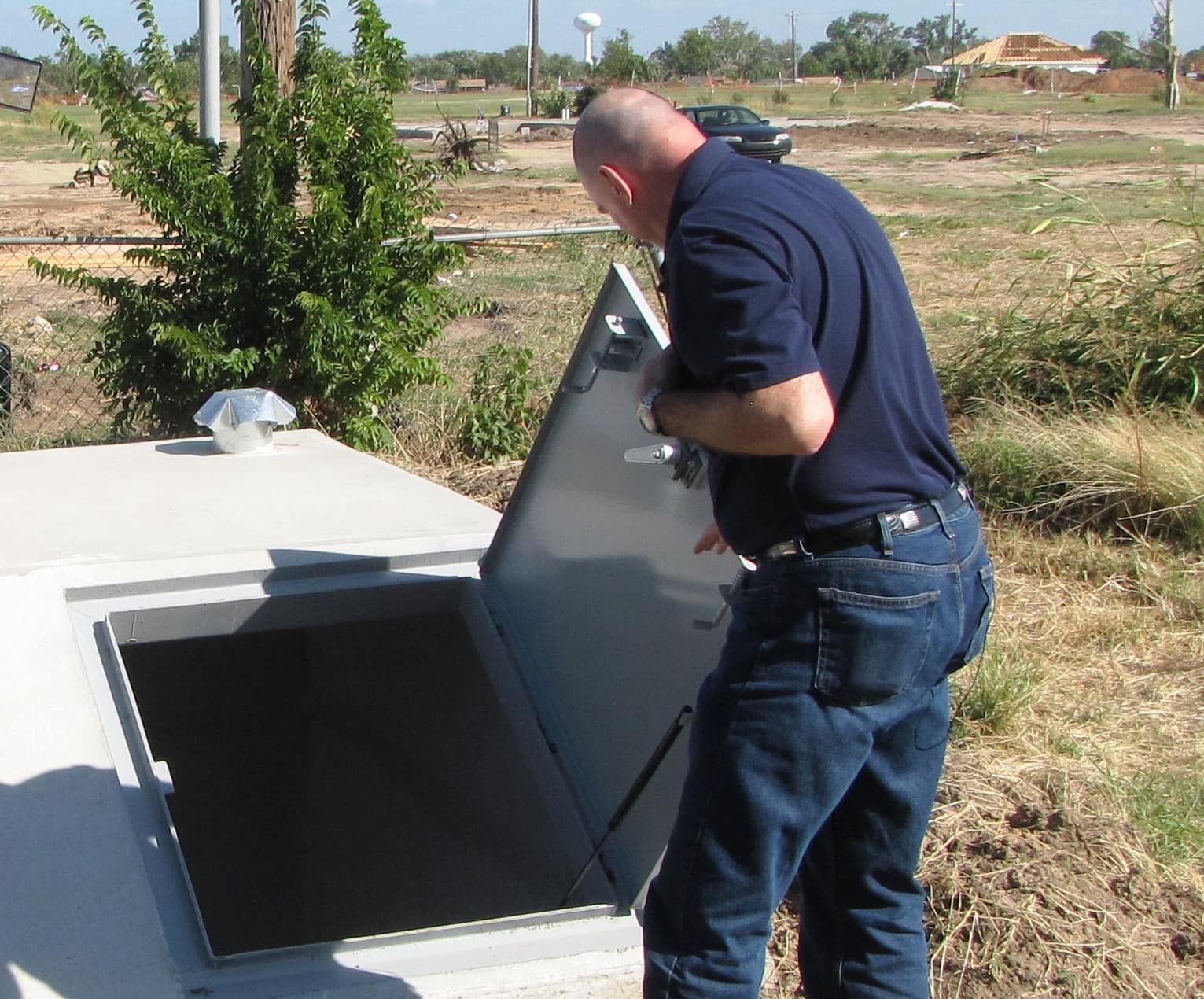
What happens to your information
- Who can see it
- Only authorized public safety personnel. It is never published or shared with the public.
- How it is handled
- Texas law keeps certain 911 and emergency records confidential, and we apply those protections to the registry. See the privacy policy.
- Changing or removing it
- Call (806) 762-8721 or use the contact form and mention your registration reference number.
Share the registry
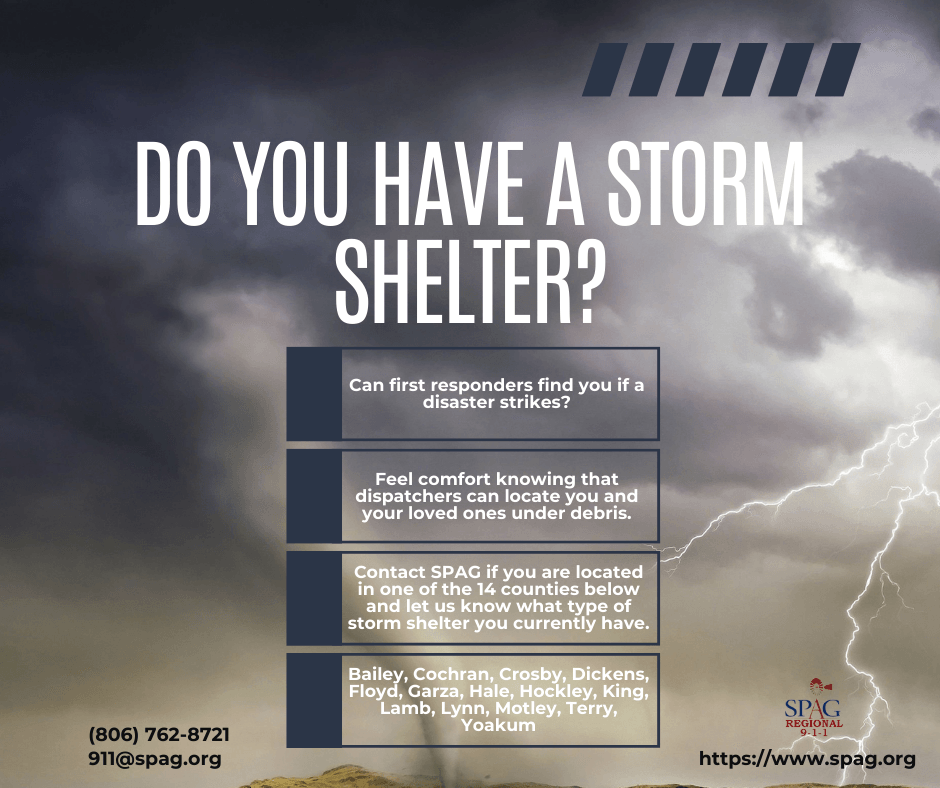
Print the flyer for a church, a VFD, or a neighborhood meeting. Download the program flyer (PNG)
Thinking about installing a shelter?
SPAG’s safe room rebate can pay back half the cost of a new residential safe room, up to $3,000. Apply before you buy. Applications for this cycle are accepted through December 31, 2026.