
Call When You Can. Text When You Can’t.
When to text 911
Text when a voice call isn’t possible or isn’t safe. It works anywhere in the SPAG region.
It isn’t safe to talk
Speaking out loud would put you in danger.
You can’t hear or speak on a call
You are deaf, hard of hearing, or have a speech disability.
A medical condition
Something keeps you from speaking.
How to text 911
Step 1: Open your phone’s messaging app.
Step 2: Enter 911 as the recipient.
Step 3: In your first message, give your exact location and the type of emergency.
Step 4: Send it, then answer the dispatcher’s questions.
A good first text, taken apart
1402 County Road 340, north of Anton. Someone broke into my house. I can’t talk.
The address is made up.
Where you are, first
The address, or the road and the nearest crossroads. 911 can’t always see where you are from a text.
What is happening
In a few words: a fire, a wreck, someone hurt, a break-in.
Plain words
Full words, no abbreviations, slang, or emoji.
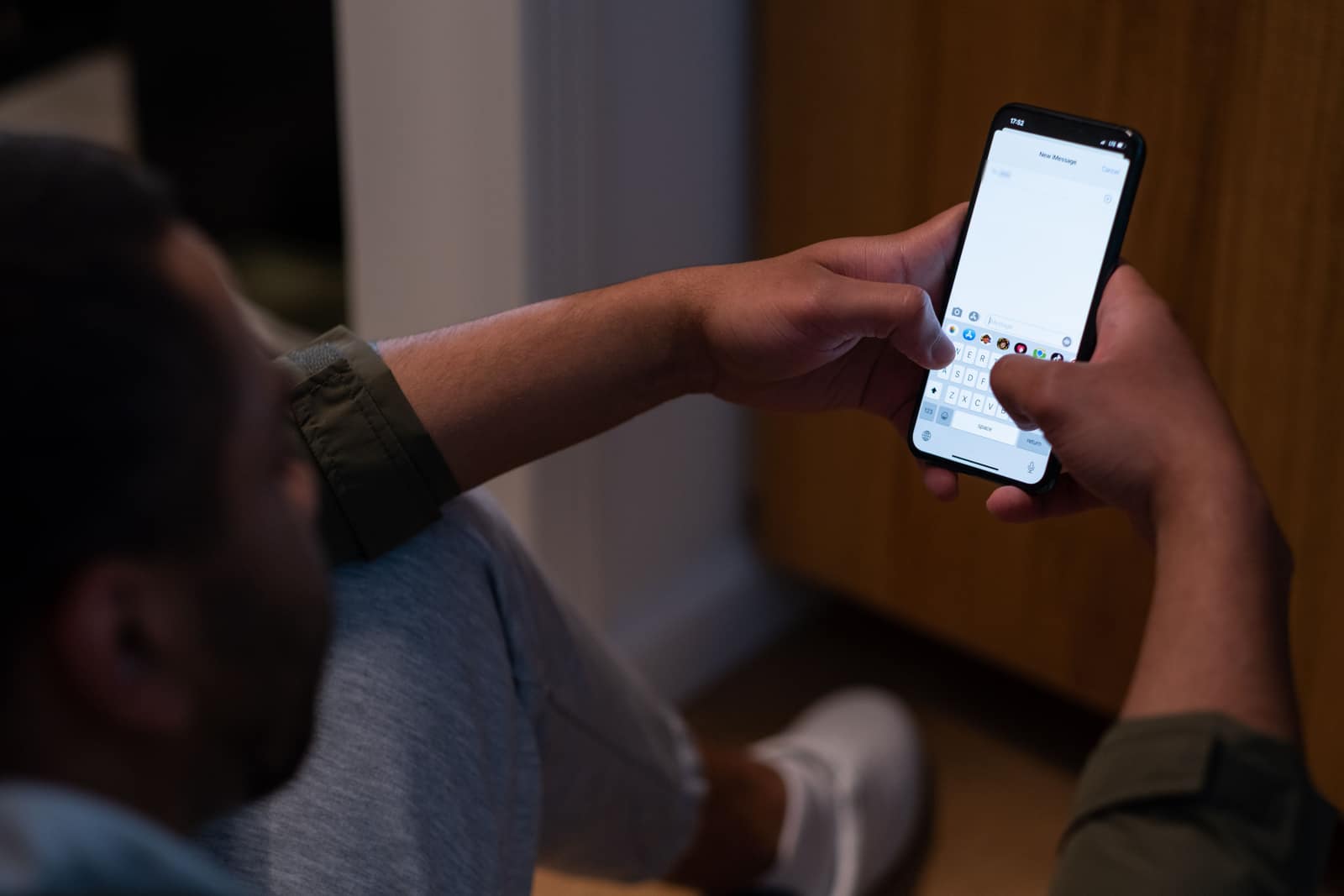
A voice call is always faster when it is safe to make one.
If texting isn’t available where you are, you will get a reply telling you to call.
Keep in mind
Do
- Send your address or the nearest crossroads first.
- Write in plain words.
- Write in the language you know best. You can text in many languages, not just English.
- If you are hiding, silence your phone first.
Don’t
- Send photos or videos.
- Text 911 in a group message.
- Use abbreviations or slang.
- Text and drive. Pull over first.
Test your knowledge
10 quick questions about calling and texting 911. About two minutes.